Free demo · 3 tracks unlocked
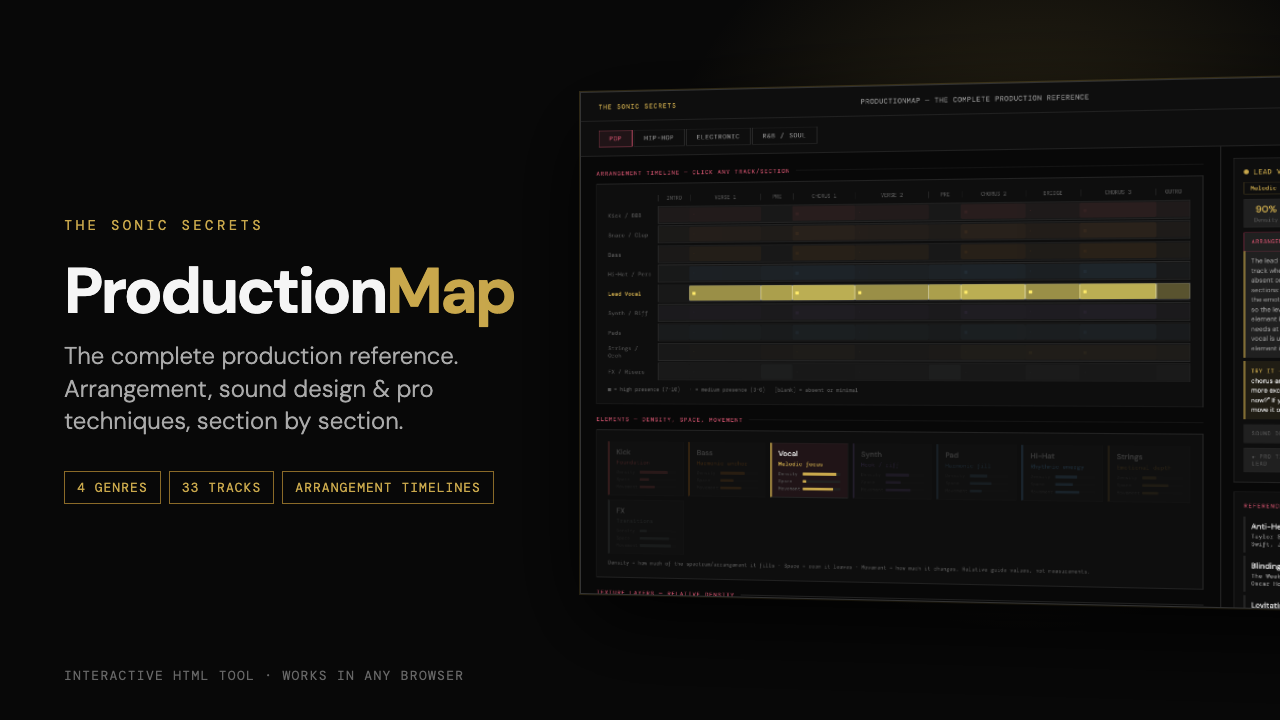
ProductionMap shows what every track does in every section of a song, from intro to outro, with sound design notes, a practical Try-it step and a pro technique for each one. Four genres in one browser tab.
Most beats never become songs because the arrangement stalls after the first 8 bars. ProductionMap shows how each track enters, drops out and builds across a full song, genre by genre.
Every track plotted across every section (intro, verse, pre, chorus, bridge, drop, outro), with how present it is in each one.
What each track does in the verse, where it pulls back to build tension, and how it lands in the chorus or drop.
The frequency range, character and processing that make each sound work in that genre, from 808s to Rhodes to supersaws.
One concrete thing to do in your DAW for every track, like a kick-less build, a tuned 808 or an off-beat open hat. Try it in five minutes.
A deeper technique for every track, with the built-in or free plugins to do it in Logic, Ableton and FL Studio.
How much of the arrangement each element fills, how the texture layers stack, and three genre rules per style.
A trap beat and a house track are arranged in completely different ways. Each genre has its own section map, tracks and techniques.
See how each part should enter, drop out and build across a full song.
Know which instruments belong in the verse and which to save for the chorus.
Moving from pop to trap or house? See how the structure and sounds change.
A single HTML file. Download it once and open it in Chrome, Safari, Firefox or Edge. No account, no install, and it works offline. Keep it open in a tab next to your DAW.
Any DAW. The arrangement advice is universal, and the technique steps name the built-in tools in Logic Pro, Ableton Live and FL Studio where they differ.
ProductionMap is about arrangement and sound: which parts play when, and how to build and release energy across a song. MixMap is about mixing: frequency, panning, levels and processing for each element. They're designed to be used one after the other.
The demo shows the Pop map and fully unlocks three tracks (Hi-Hat, Pads and FX). The full version unlocks all 33 tracks across Pop, Hip-Hop, Electronic and R&B/Soul, each with arrangement role, sound design notes, a Try-it step and a pro technique.
No. Every track has a plain-language explanation and one concrete step to try. The timelines are starting points, not rules. Trust your ears from there.
Yes. If ProductionMap isn't useful to you, email contact@thesonicsecrets.com within 30 days of purchase and you'll get a refund.
The arrangement moves that turn an 8-bar idea into a finished song, laid out by genre and by track.
Get ProductionMap — $19 →